

This guide provides a straightforward process for creating URL redirects in Shopify, essential for maintaining SEO and user experience when changing URLs. By following these steps, you can easily redirect old URLs to new ones, ensuring that visitors and search engines find the correct pages. Whether you're updating blog posts or page handles, this guide simplifies the task, making it accessible even for those with minimal technical knowledge. Enhance your Shopify store's functionality and keep your audience engaged by mastering URL redirects.
1. In your Shopify dashboard, navigate to "Content" = Click "Content"

2. 1. We will add a 301 redirect = Click "Menus"
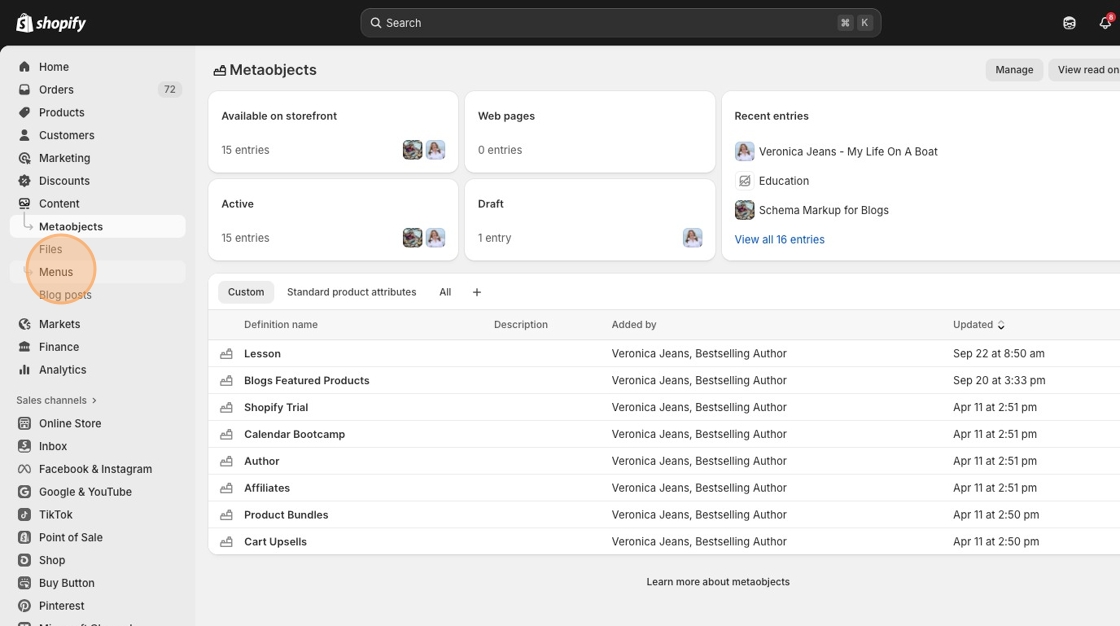
3. Click "URL redirects"

4. Click "Create URL redirect"
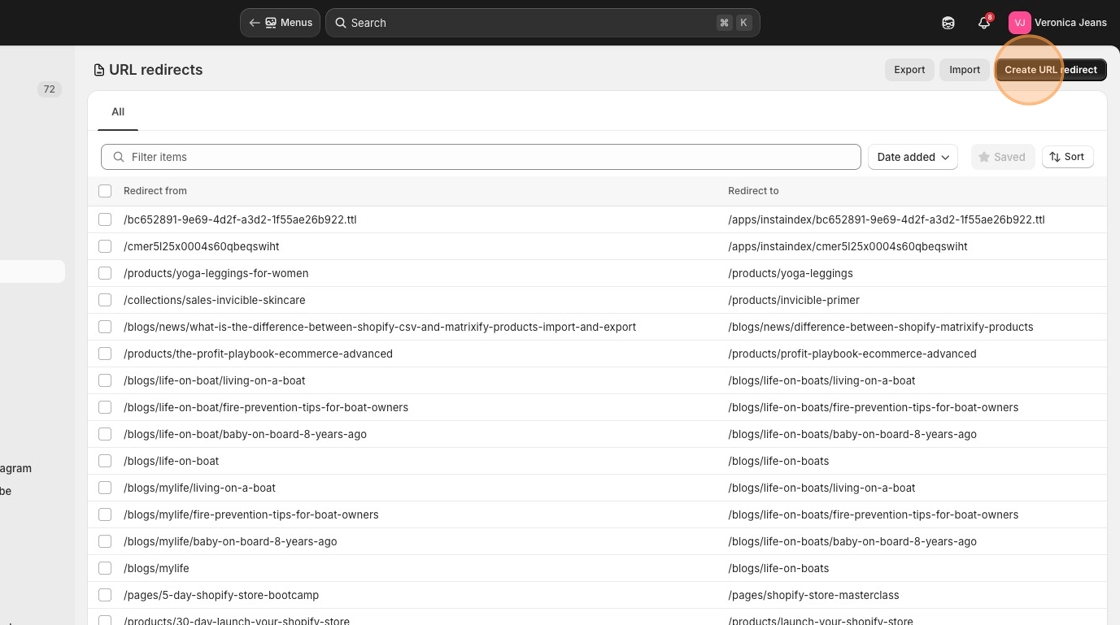
5. Click the "Redirect from" field.

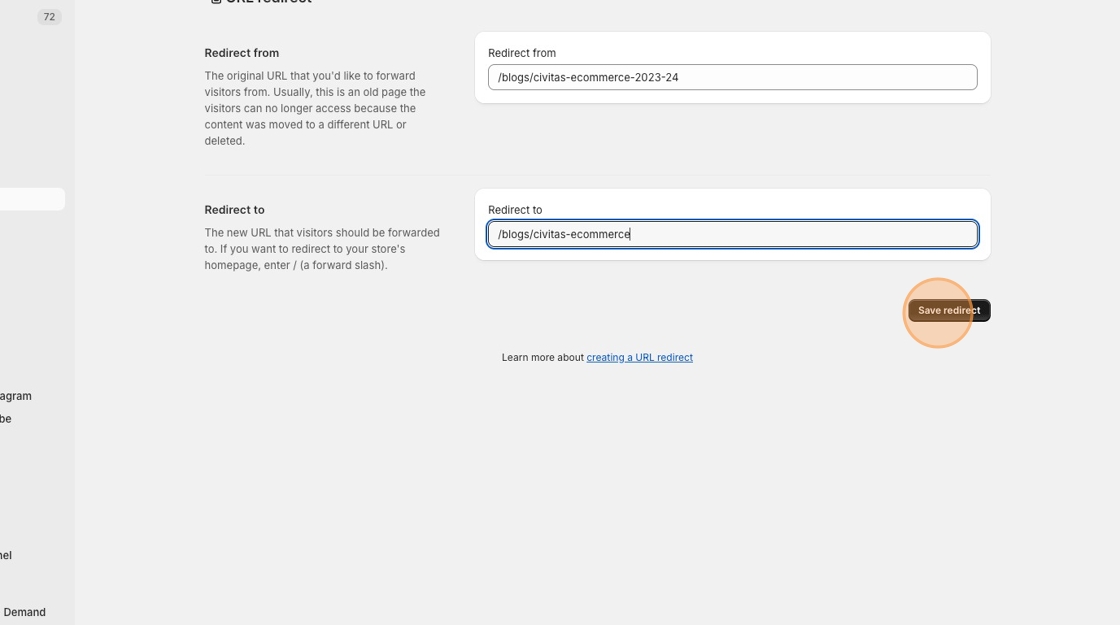
6. Add your original URL address without the HTTPS:// or the domain name if it is the same domain in the "Redirect from" field.
If it is from a different domain, add the https://domainname.com/nameofpage that you want to redirect to your new domain.

7. Click the "Redirect to" field.

8. Add the page you want to redirect to. You do not have to add the HTTPS:// or the domain name.
Click "Save redirect"
9. 2. Redirect a URL from a blog: Navigate to the blog posts in "Content". Click o the appropriate blog you want to change. Click on the "Search engine listing" section. Click the "URL handle" field and change or edit the URL handle.

10. Click here.

11. Click the "URL handle" field.

12. Once you have change the URL handle, a check box will appear and you need check the new URL handle and it will automatically create a new 301 redirect for you.

13. Click the "Create a URL redirect for news→ecommerce-success" field.

14. Click "Create a URL redirect for blog posts"

15. Click "Save"

16. 3. How to change a URL handle in a "Page" - Click "Online Store"

17. Click "Pages"

18. Click the page you want to update.

19. Click on "Search engine listings"

20. Click the "URL handle" field.

21. Type the change as seen here as "-ecommerce"

22. Click "Create a URL redirect for service-tiers→service-tiers-ecommerce"

23. Click "Save"

Made with Scribe
